

The 3 AI Tools I Actually Use on the Ward
A pragmatic guide to building your first AI toolkit with three distinct tools designed for specific medical tasks.

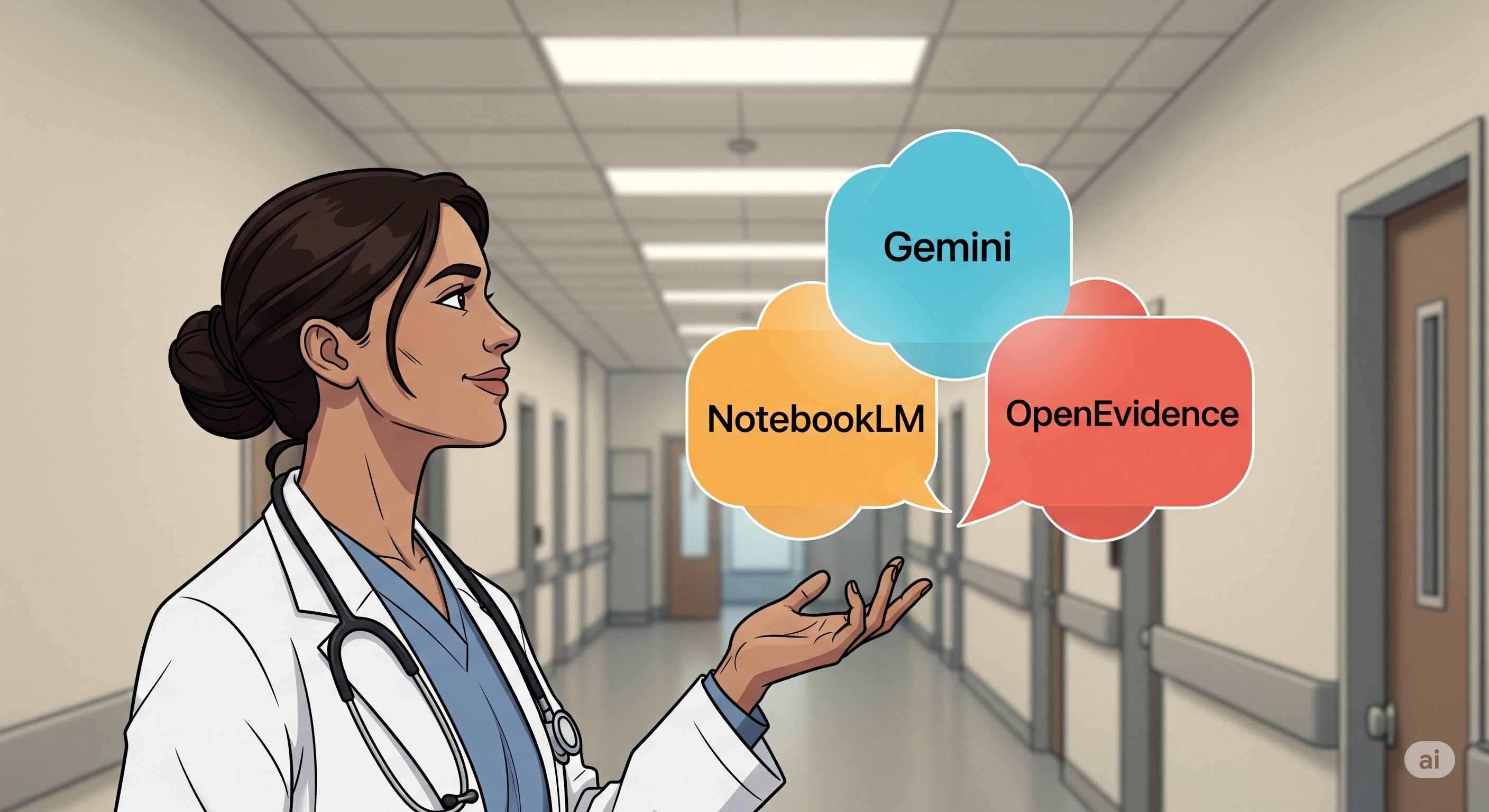
The biggest lie in medical AI is that you need to find one perfect tool to solve all your problems.
This is a trap.
The pursuit of a single, all-knowing AI assistant leads to frustration and misses the point. The reality is that the future of AI in medicine isn't about finding a single magic bullet; it's about building a small, specialized toolkit.
After years of testing in the trenches of a busy hospital, I’ve found that my digital toolkit has evolved to include three distinct types of AI, each with a specific job.
Think of them as the three faces of AI: the Generalist, the Personalizer, and the Specialist.
Understanding the difference is the key to using them safely and effectively in your practice.
The Generalist: Your Creative, All-Purpose Assistant (Gemini 2.5 Pro)
The first archetype is the powerful, do-anything model.
My go-to is Gemini 2.5 Pro, though you could easily use alternatives like OpenAI's GPT-3o/4o or Anthropic's Claude 4.0 Sonnet depending on your preference. I personally use Google's ecosystem because the products are seamlessly connected and integrated into my workflow.
Think of this tool not as a database, but as a brilliant, multi-talented colleague.
In my daily practice, Gemini has become:
My personal assistant (PA)—writing emails, drafting discharge summaries, and documenting findings under my supervision.
Beyond that, it acts as an experienced geriatrician for complex cases
and a psychologist for analyzing difficult patient conversations.
One of its most valuable features for me is "Deep Research,” an ability that can autonomously search hundreds of websites to create comprehensive reports on complex topics, turning it into a true research partner.
DO: Use it for creative and administrative tasks. Let it help you structure your thoughts, draft communications, or create first drafts of patient education materials in simple, accessible language.
DON’T: Use it for two critical reasons—privacy and safety. First, never input identifiable patient data into any AI-model, as it is not a secure environment for protected health information. Second, its documented tendency to “hallucinate” (confidently state falsehoods) makes it unsafe for final clinical decision-making. It’s a brilliant assistant but a terrible final authority.
The Personalizer: Your Private, Searchable Knowledge Base (NotebookLM)
The second tool in my arsenal is the Personalizer.
My choice here is Google's NotebookLM.
Its function is completely different from Gemini's. NotebookLM is a private, secure “second brain” that works exclusively with the information you provide it.
Its core value is built on two pillars: privacy and verifiability.
I feed NotebookLM with my own curated library of medical textbooks, clinical guidelines, and hospital SOPs. It transforms this collection into a private, searchable expert system.
When I need to recall a specific detail from a guideline or find the source of an internal protocol, NotebookLM can find it instantly and provide a citation pointing directly to the passage in my uploaded document.
DO: Use it to build a personal, secure, and instantly searchable library of your most trusted resources.
DON’T: Expect it to generate novel insights or create new content beyond the information you provide. The quality of its output is entirely dependent on the quality of the documents you upload (“garbage in, garbage out”).
The Specialist: Your High-Trust Clinical Co-Pilot (OpenEvidence)
The final archetype is the Specialist, and this is a category I've only recently started exploring with a tool called OpenEvidence.
I’ve found it to be the most secure and reliable reference tool for medical questions I’ve tested so far. It helps me with differential diagnoses, suggests therapeutic options, or fact-check medical claims, which are all over the place in social media.
Unlike Gemini, which draws from the entire web, OpenEvidence builds its value on an intentionally limited and highly-curated knowledge base of trusted medical sources, like the NEJM and JAMA.
Its advantage isn't a smarter AI model; it’s the trust embedded in its data.
This makes it incredibly useful for getting fast, evidence-based answers at the point of care.
However, even this specialized tool has limitations. The biggest drawback I've found is that it only accepts text input. You can't upload a document or a screenshot, which limits its flexibility.
DO: Use it to get quick, evidence-based answers to specific clinical questions.
DON’T: Accept its output without applying your own clinical judgment. Critically, its recommendations (often from U.S. sources) must be cross-checked against your local, national guidelines. I recently had a case where the vaccination recommendations for splenectomy patients in OpenEvidence differed from the German guidelines. This is where the workflow comes full circle: a NotebookLM notebook loaded with local guidelines is the perfect tool for this essential cross-check.
The Path Forward: Build Your Toolkit
Stop searching for one perfect AI. Start building your specialist AI toolkit.
This is just the beginning. Your feedback is crucial. Let me know in the comments which tool you want a step-by-step guide on first. Your input directly steers the direction of this newsletter.